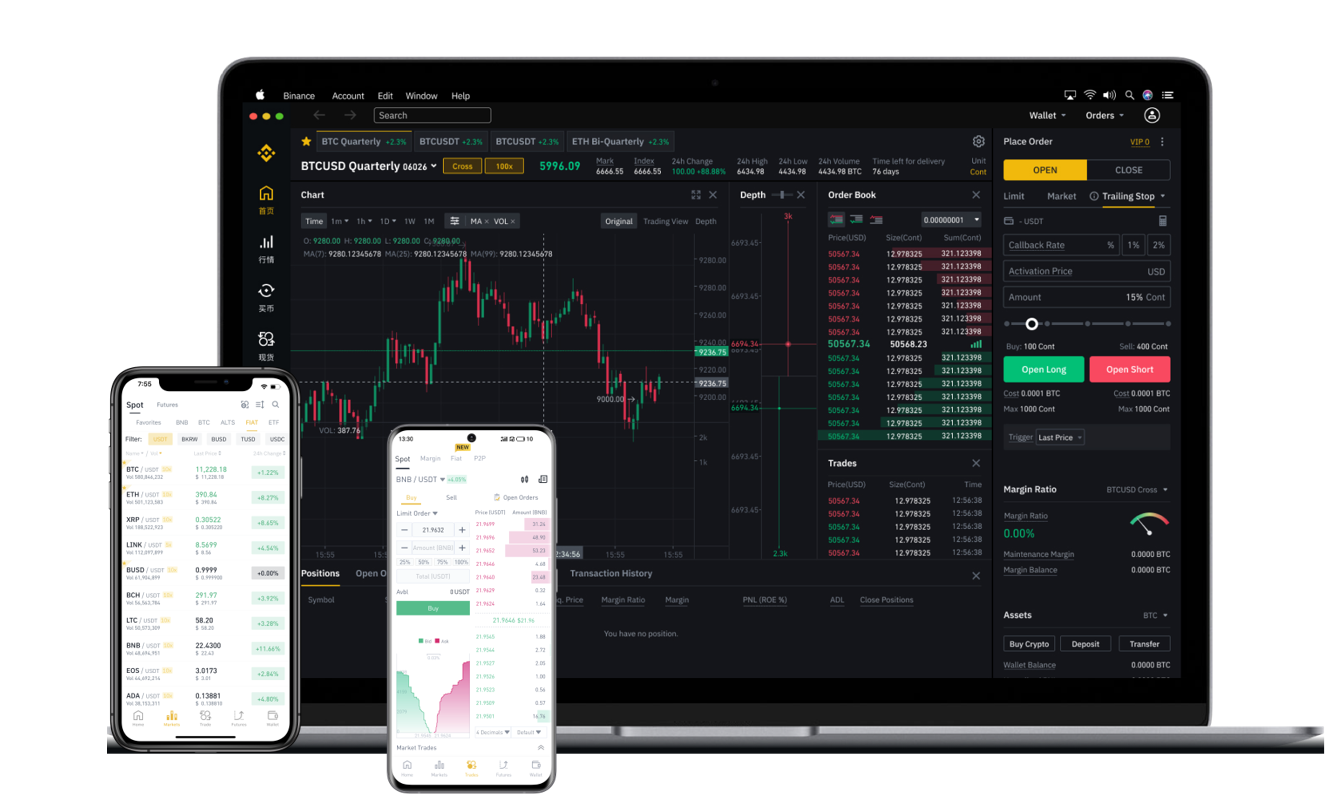

When managing cryptocurrency on Binance, one of the most fundamental tasks is accessing and using your wallet address correctly. Whether you are preparing to deposit funds, withdraw assets, or simply check your balances, knowing how to view your wallet address on Binance is essential. This guide explains the process step by step, helping you avoid common mistakes and ensuring your transactions remain secure.
First, it is important to understand that Binance does not use a single wallet address for all cryptocurrencies. Instead, each supported blockchain network generates a unique address for your account. For example, your Bitcoin (BTC) wallet address will differ from your Ethereum (ETH) address, and your BNB Smart Chain address will be different again. To view your wallet address, log into your Binance account and navigate to the "Wallet" section, often labeled as "Spot Wallet" or "Funding Wallet." From there, select the specific cryptocurrency you intend to use. Click on the "Deposit" button next to that asset. Binance will then display the corresponding deposit address for the default network. It is critical to verify that the network (e.g., ERC-20, BEP-20, TRC-20) matches the network of the sending platform to prevent loss of funds.
Many users search for "how to view binance wallet code," which typically refers to the alphanumeric string or QR code representing the wallet address. The QR code is a convenient way to share your address without manual entry errors. To access this, when you click "Deposit" for a specific coin, the address and its QR code appear on the same screen. You can download or screenshot this code for secure use. Remember, your wallet address is public information, but your private keys or API secrets must never be shared. Binance manages your private keys on its platform, so you only need to use the deposit address for receiving funds.
Safety is paramount when dealing with wallet addresses. Always double-check the deposit address before pasting it into any off-platform service. Hackers sometimes attempt to trick users into sending funds to a wrong address by replacing clipboard data. You should also ensure that your Binance account has enabled two-factor authentication (2FA) and whitelisted withdrawal addresses. For beginners, the "Address Management" feature allows you to save frequently used withdrawal addresses, reducing the risk of typographical errors. If you ever need to view your history of deposits or withdrawals, the "Transaction History" section within the wallet provides a complete log of previous activities linked to each address.
In summary, viewing your wallet address on Binance is a straightforward process that requires attention to detail. Always select the correct network and asset before recording the address. Using the QR code can speed up transactions, while security measures like 2FA and address whitelisting protect your assets. Whether you are a new user or an experienced trader, these practices form the foundation of safe cryptocurrency management on Binance.